
Apps to install before you goTravel
Naver Map — Korea's most-used map app
Naver Map gives walking and transit directions, real-time departure times and bookings, with English menus. Install it and load data before you land.
Free appMaps in Korean, English, Japanese, ChineseiOS and AndroidUpdated Oct 20, 2026
Get data for the app
Paid links · Store and booking links on this page are affiliate links: when you buy or book through them, K for All earns a commission at no extra cost to you. Prices, stock and shipping change, so check the store before you buy. As an Amazon Associate I earn from qualifying purchases.
-
Example image
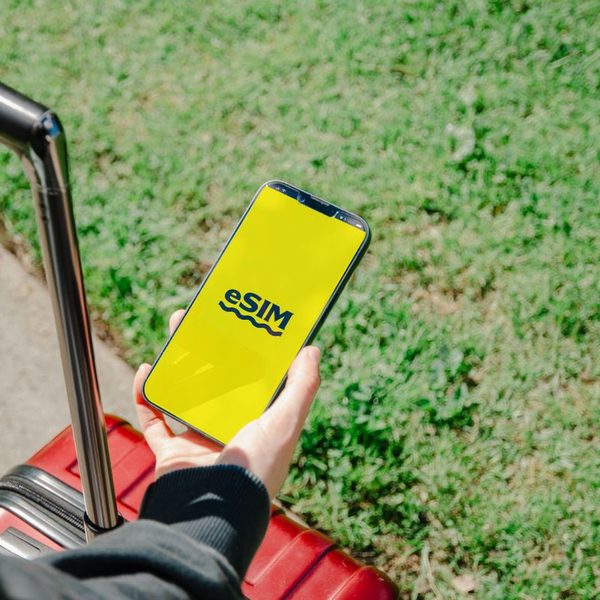
Korea 5G eSIM (data only)
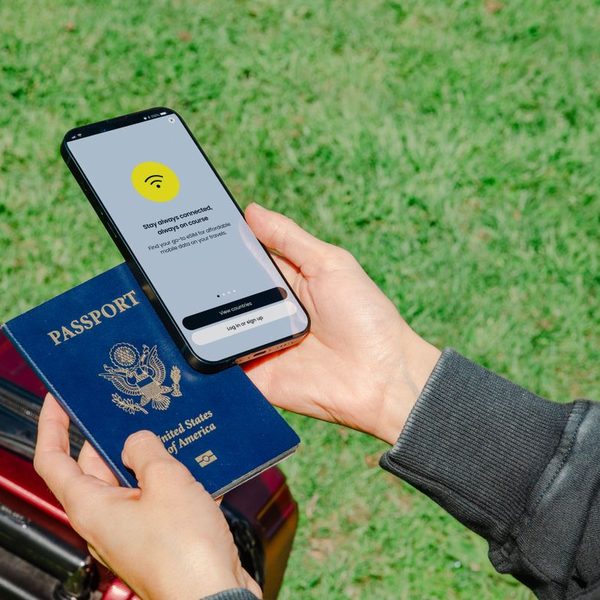
Maps, Papago and taxi apps all need data. This is a data-only eSIM for all of South Korea that you install before you fly; it comes with no Korean phone number.
-
South Korea 5G eSIM
A second eSIM option on Trip.com. Read the product page for whether calls and texts are included; the standard plan is data only.
-
Example image
KT 4G pocket WiFi (airport pickup)
One router can connect up to 3 devices, good for a group that wants to share one connection for maps and translation.
What it does
Naver Map (네이버 지도, neibeo jido) is built by Naver, one of Korea's biggest web companies. One search bar finds places, bus lines and subway stations, and shows details such as opening hours.
Its tabs cover Discover, Bookmark, Transit, Navigation and a Booking tab for restaurants, salons, classes and train tickets. Transit directions show real-time departure and arrival times and alert you when to get on or off. It also has walking directions and street view.
How visitors use it
Language: the app store listing says maps are available in Korean, English, Japanese and Simplified Chinese, with English navigation.
Account: the listing does not say you need an account to search and get directions. If you do want a Naver account, the listing says sign-up is supported with passport authentication (from version 6.7.1).
Payment and phone number: the listing does not say that payment or a Korean phone number is needed to use the map. Booking is a separate feature, and the listing does not describe its payment methods, so check inside the app before you rely on it.
The app asks for location access to give directions and navigation. Without data on your phone, load a data eSIM or WiFi first.
Good to know
The reviews section was Korean-only at the time of one 2023 app-store review, so restaurant reviews may be hard to read; use Papago's camera or text translation for them.
Some reviewers report that subway exit guidance did not always match the map, so look at the station signs too. Those are user reviews, not the company's statements.
What else you can use
KakaoMap is the other big Korean map app, with live subway and bus positions.
More on K for All
Travel in KoreaKorea eSIM vs pocket WiFi vs SIM card3 days in Seoul